Legal Operations
Marketing That Works While You Sleep
MHSB scopes and configures campaign workflows, follow-up, and attribution reporting for law firms. This page describes the Lawmatics configuration; MHSB services for Clio, MyCase, and other systems are described on the platform pages.
Campaign tools are only as good as the workflow behind them
Marketing automation works best when intake, CRM, follow-up, and reporting are aligned. Start with the right MHSB implementation path before building more campaigns.
Book a Strategy Consultation
Review nurture workflows, segmentation strategy, and automation priorities with MHSB.
Lawmatics Audit vs Build
Choose whether to optimize campaigns, rebuild automation, or phase the implementation.
How MHSB Works
See our audit, build, QA, training, and launch process.
Implementation FAQ
Answers on timelines, support, integrations, and team enablement.
Lawmatics follow-up workflows
Lawmatics can schedule communications during the firm's intake process. MHSB configures the timing and content within the agreed scope.
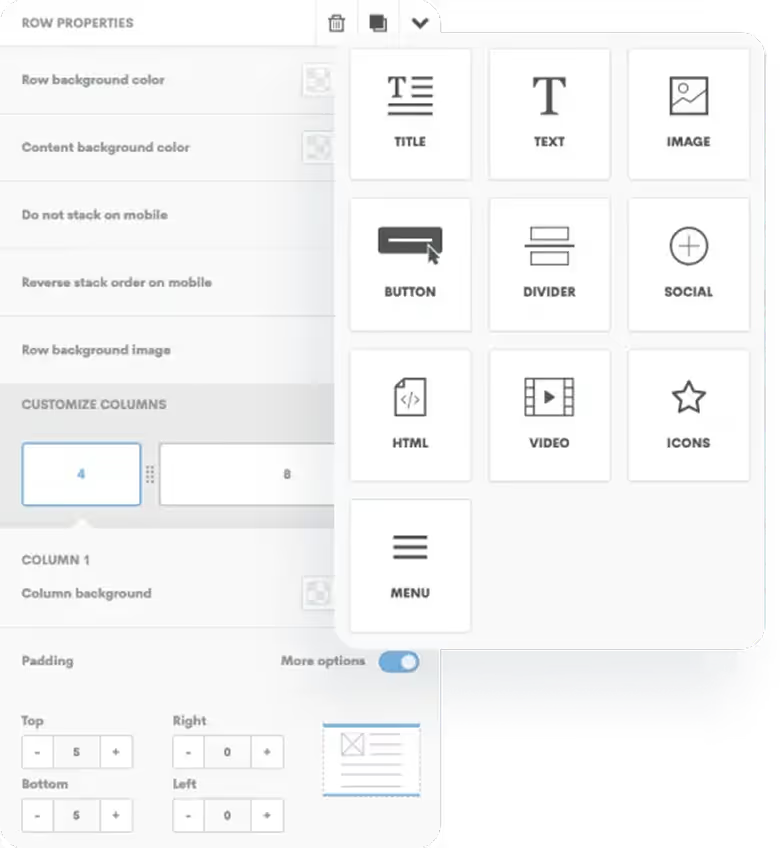
Email Campaign Builder
Lawmatics provides a drag-and-drop editor for email campaigns, with pre-built templates and custom designs.
- Visual email builder with legal-specific templates
- Mobile-responsive designs that look great everywhere
- Personalization tokens for customized messaging
- A/B testing to optimize subject lines and content
- Spam score checking before sending
Automated Drip Campaigns
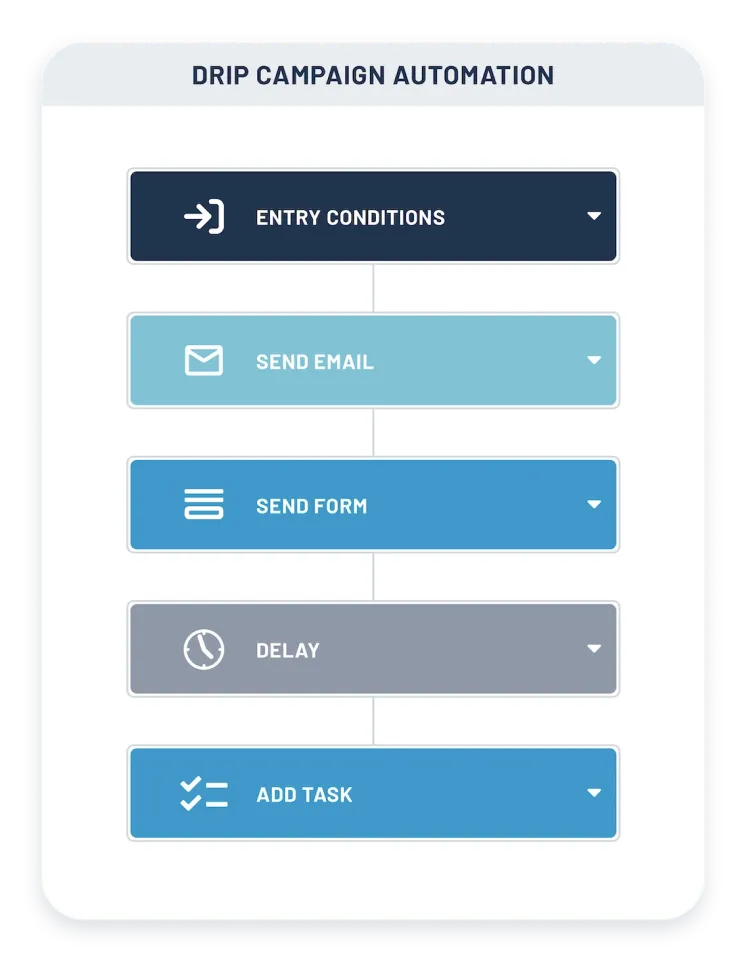
MHSB configures Lawmatics email sequences to send scheduled communications to prospects, with timing and content agreed with the firm.
- Time-based sequences for lead nurturing
- Behavior-triggered emails based on actions
- Automatic pause when prospects become clients
- Multi-path campaigns with conditional logic
- Re-engagement campaigns for cold leads
Smart Segmentation
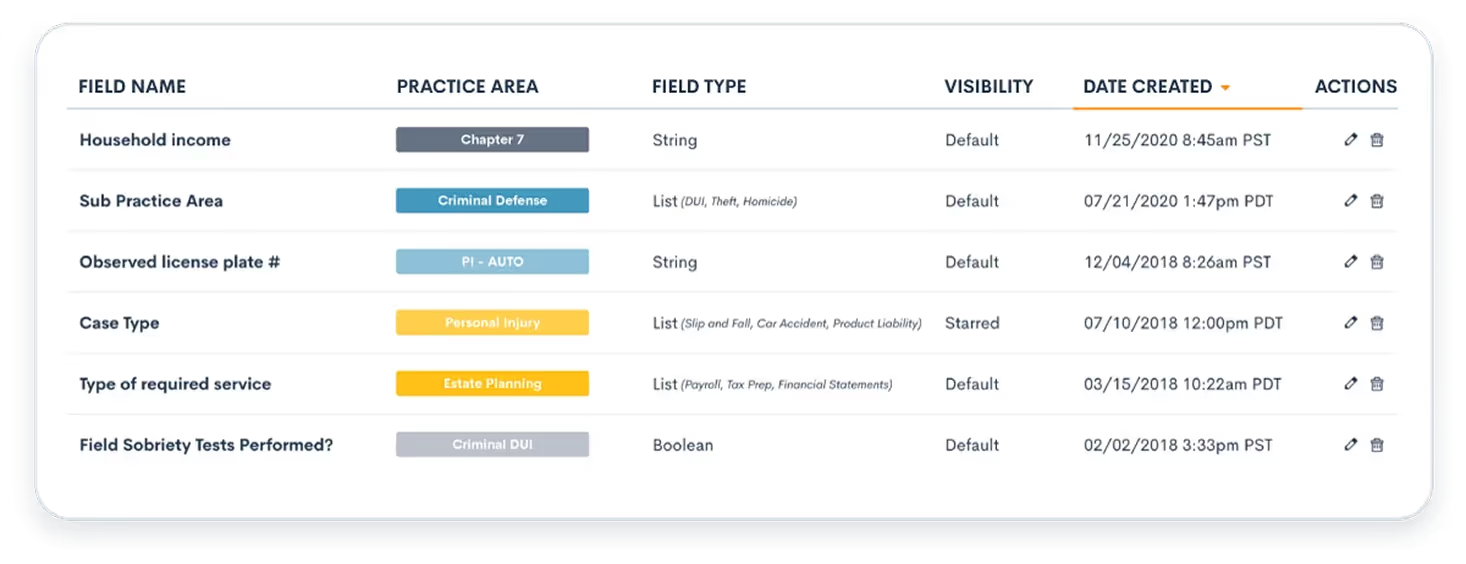
Send the right message to the right people at the right time. Segment your contacts by practice area, case type, lead source, engagement level, and custom criteria.
- Dynamic segments that update automatically
- Practice area and case type targeting
- Engagement scoring and segmentation
- Geographic and demographic filters
- Combination of multiple criteria
Landing Page Builder
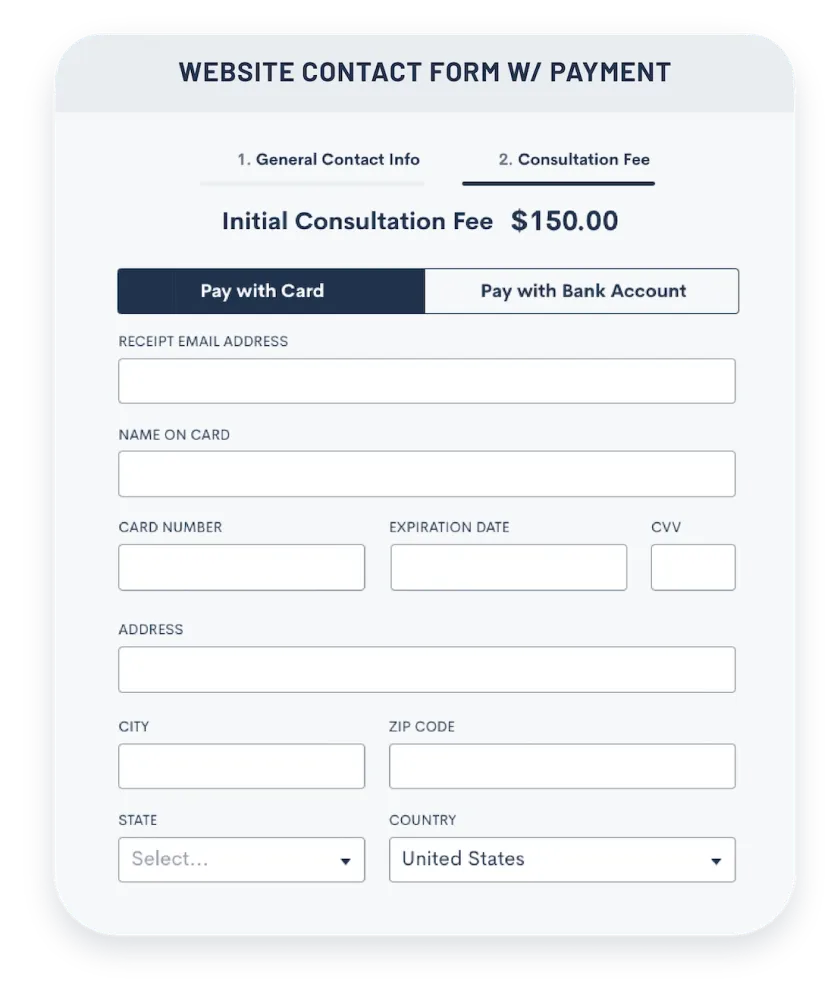
Create high-converting landing pages for your campaigns without a developer. Capture leads with optimized forms and compelling calls-to-action.
- Drag-and-drop landing page editor
- Conversion-optimized templates
- Built-in forms and CTAs
- Custom domains and SSL certificates
- Analytics and heatmap tracking
Marketing Analytics
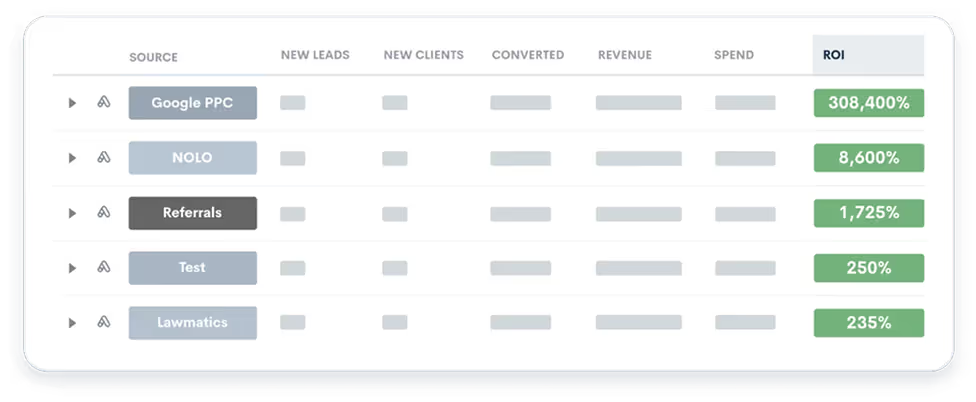
Lawmatics reporting can show open rates, click-through rates, conversions, and cost per signed client where the configured data supports those measures.
- Real-time campaign performance dashboards
- Email engagement metrics and trends
- Lead source and conversion attribution
- Revenue tracking by campaign
- Custom reports and export capabilities
Explore Marketing Automation Features
Dive into the campaigns, segmentation, and automation tools that keep your firm top of mind with prospects and clients.
Drip Email Marketing
Nurture leads with automated email sequences.
Custom Email Suite
Design beautiful, branded emails easily.
Dynamic Email Workflows
Adaptive email journeys based on behavior.
Audience Segmentation Tool
Laser-focus marketing with smart segments.
Legal AI (LM AI)
Draft emails instantly with Generative AI.
Pre-Built Campaigns for Every Scenario
New Lead Nurture
Welcome series for prospects who request information but don't schedule a consultation
Consultation No-Show
Re-engagement sequence for prospects who missed their scheduled consultation
Referral Partner Newsletter
Monthly updates for attorneys, accountants, and other referral sources
Client Reactivation
Stay connected with past clients who may need services again or refer others
Practice Area Education
Educational series about specific legal issues to demonstrate expertise
Seasonal Reminders
Timely campaigns around estate planning, tax season, back-to-school, etc.
Frequently Asked Questions
Do I need marketing experience to use this?
No. The Lawmatics campaign tools are designed for attorneys and staff rather than marketing professionals, and MHSB provides starting templates, example campaigns, and written guidance for common law firm marketing scenarios as part of the buildout.
Can I send newsletters to current clients?
Yes. You can create and send newsletters, firm updates, legal alerts, and educational content to your contact list. Segment your audience to send different content to clients, prospects, referral partners, and other groups.
How do automated drip campaigns work?
Drip campaigns are pre-written email sequences that send automatically over time. For example, when someone fills out a consultation form but doesn't schedule, they might receive: Day 1 - Thank you email, Day 3 - Educational content about their issue, Day 7 - Client success story, Day 14 - Final reminder to schedule. This happens automatically without any manual work.
Will my emails end up in spam?
Deliverability depends on sending-domain authentication and list quality. MHSB verifies SPF, DKIM, and DMARC for the sending domain with the DNS administrator of the firm, sets up bounce and engagement monitoring, and documents list hygiene practice. No inbox placement rate is promised.
Can I track which marketing efforts bring in clients?
Yes. Attribution reporting in Lawmatics shows which campaigns, emails, and sources lead to consultations and signed retainers, so the firm can compare marketing spend with signed-client revenue by campaign.
Next Step
Scope the marketing automation implementation with MHSB
Book a strategy consultation and MHSB will scope the marketing automation implementation for your firm on Clio, MyCase, Lawmatics, or the platform you already run.