Legal Operations
Never Lose Track of a Lead Again
MHSB scopes and configures lead routing, follow-up, and pipeline reporting for law firms. This page describes the Lawmatics configuration; MHSB services for Clio, MyCase, and other systems are described on the platform pages.
CRM features help, but workflow design drives conversion
If your firm has lead leakage, slow follow-up, or inconsistent pipeline usage, start with the right MHSB service path before adding more automation.
Book a Strategy Consultation
Review lead routing, follow-up gaps, pipeline design, and CRM implementation priorities with MHSB.
Lawmatics Audit vs Build
Choose whether you need CRM optimization, a rebuild, or a phased rollout.
How MHSB Works
See our audit, build, QA, training, and launch process for law firm systems.
Implementation FAQ
Answers on timelines, integrations, training, and support.
Turn More Leads Into Clients
Lawmatics supports follow-up tasks, nurture sequences, and pipeline reporting. MHSB configures these around the firm's documented intake process.
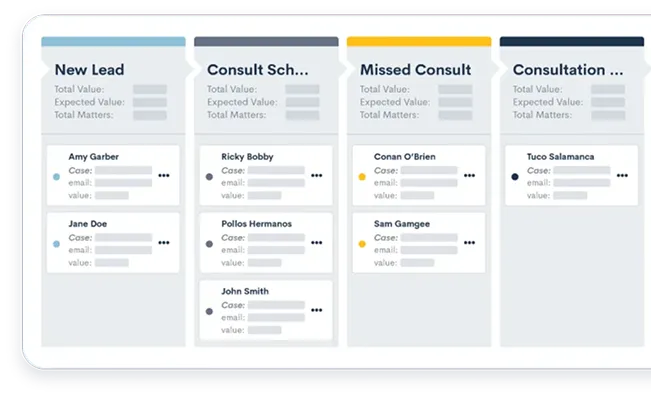
Visual Pipeline Management
See your entire lead pipeline at a glance with customizable Kanban-style boards. Track prospects from initial contact through signed retainer, and identify bottlenecks in your conversion process.
- Drag-and-drop interface for quick updates
- Customizable stages for your workflow
- Color-coded priority and status indicators
- Filtered views by attorney, practice area, or source
- Pipeline analytics and conversion metrics
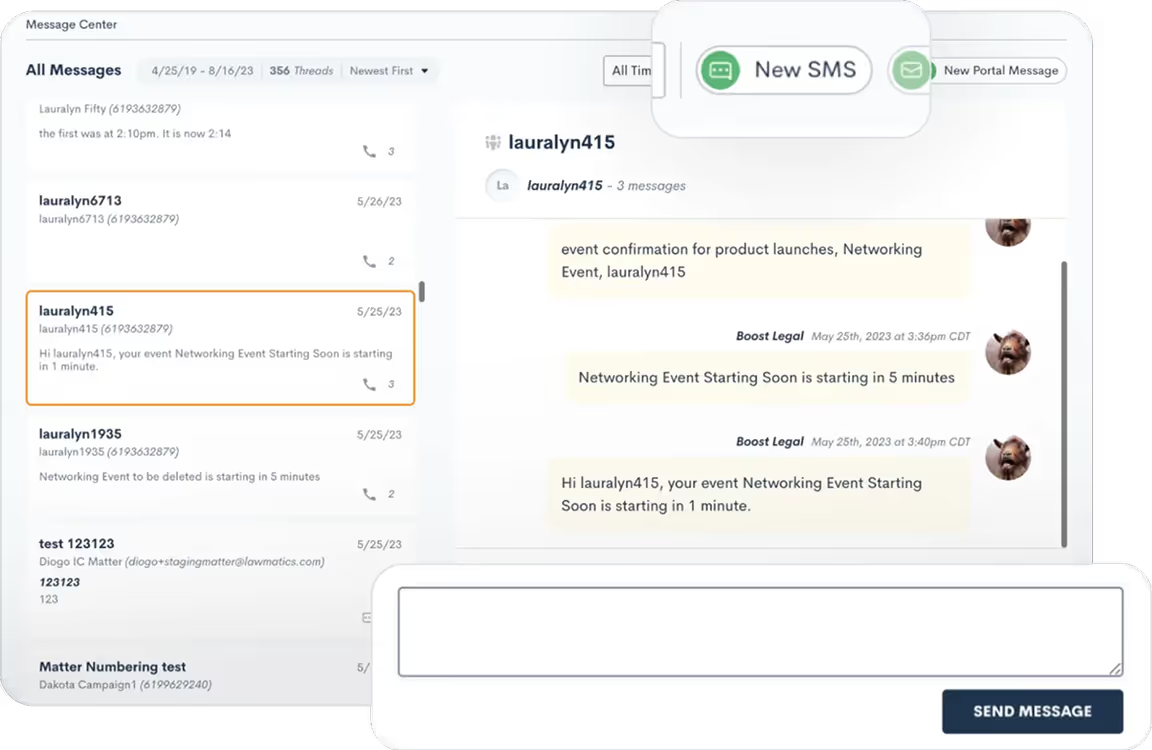
Complete Communication History
Every email, call, text, and meeting automatically logged in one central location. Never lose track of a conversation or wonder who last spoke with a prospect.
- Automatic email sync with Gmail and Outlook
- Call logging with twilio integration
- SMS/text message tracking
- Meeting notes and outcome recording
- Searchable communication timeline
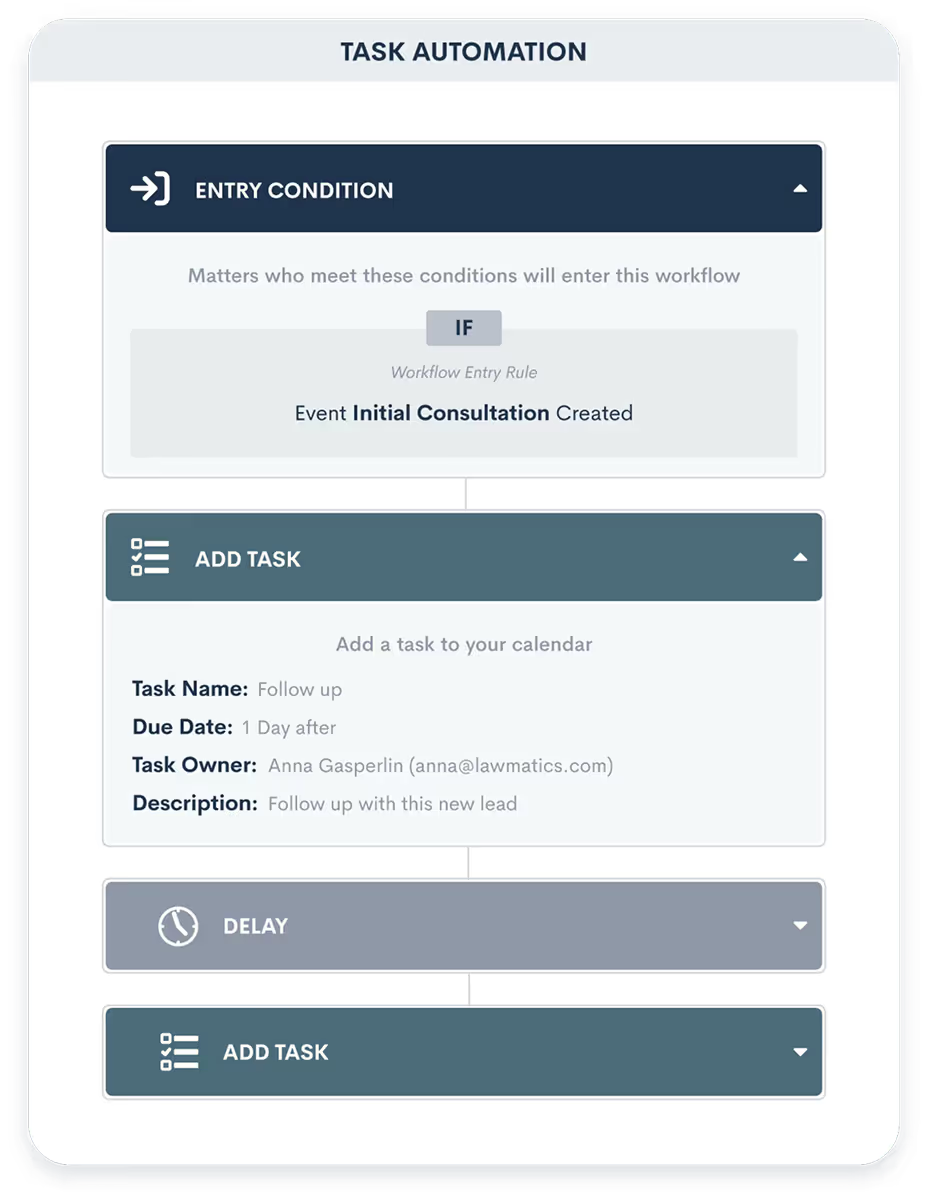
Intelligent Task Management
Stay on top of follow-ups with automated task creation and smart reminders. Ensure no lead falls through the cracks with accountability and deadline tracking.
- Automatic task generation from workflows
- Customizable reminder notifications
- Task assignment and delegation
- Due date tracking and escalation
- Team calendar and workload views
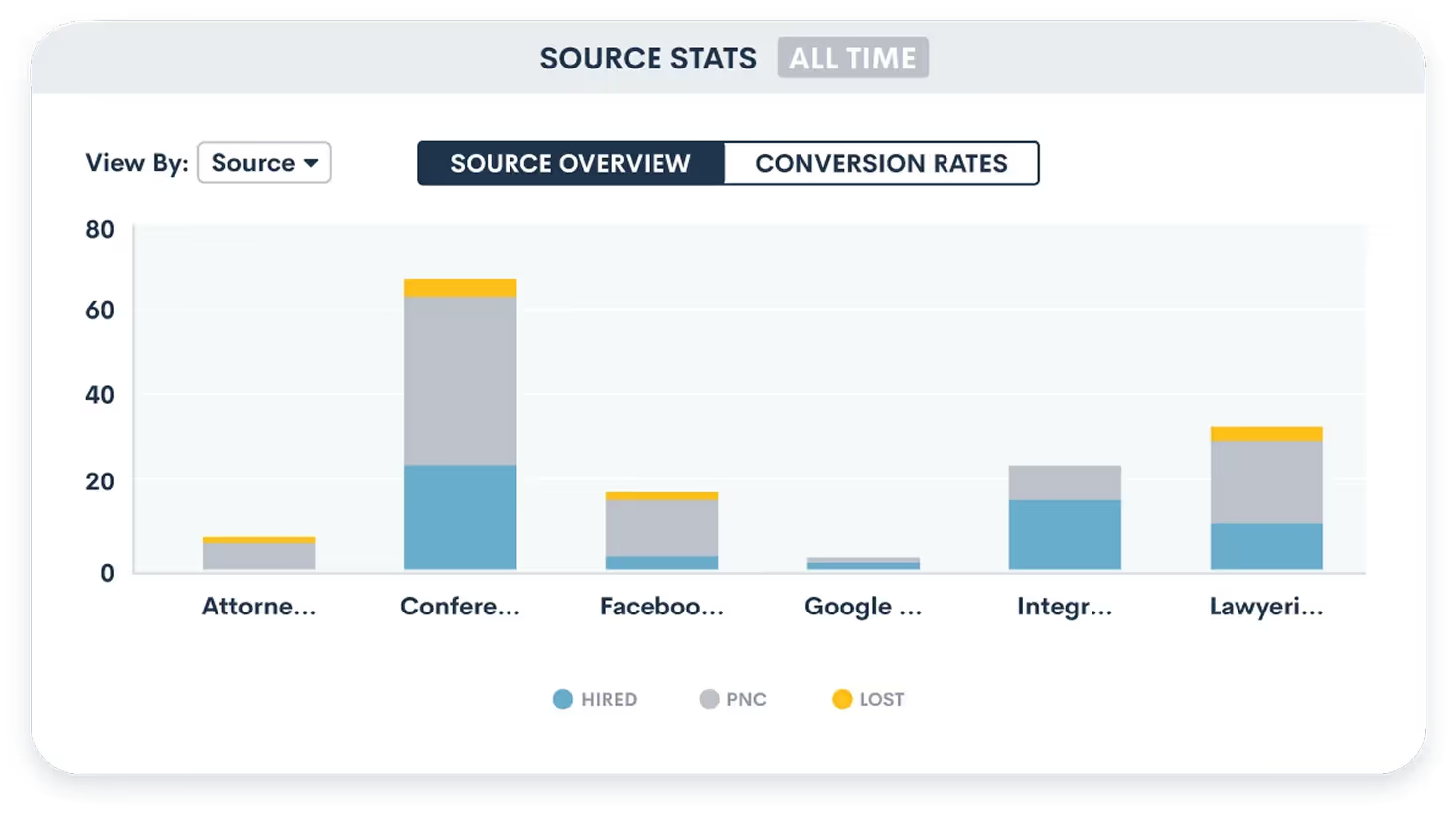
Lead Source Attribution
Lawmatics reporting can show lead conversion and cost per signed client by source where the configured data supports those measures.
- Automatic source tracking from web forms
- UTM parameter capture and reporting
- Multi-touch attribution modeling
- Cost-per-lead and conversion analysis
- Integration with Google Ads and Facebook
Contact & Matter Management
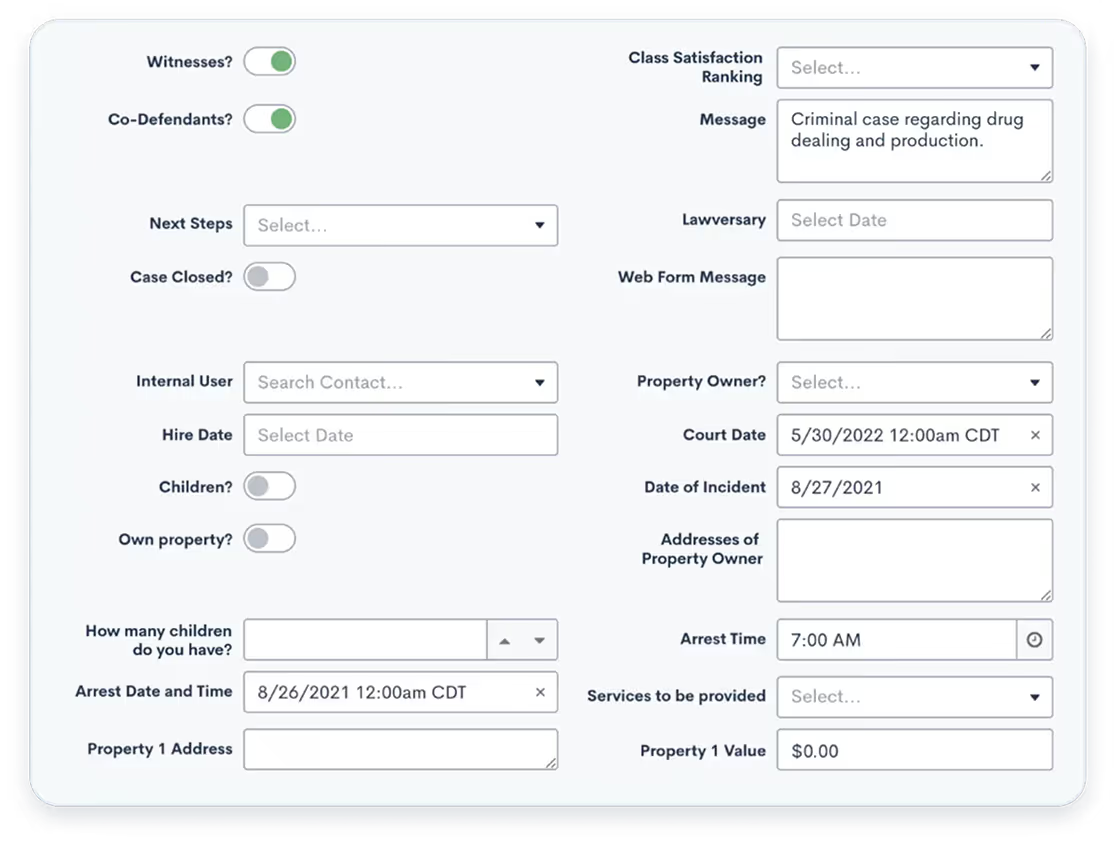
Store comprehensive contact information, matter details, and custom fields specific to your practice. Build a valuable database that grows more useful over time.
- Unlimited custom fields and tags
- Relationship mapping for related contacts
- Matter type and practice area categorization
- Document attachments and notes
- Duplicate detection and merging
Explore Legal CRM Features
Explore the modules that help you track leads, automate follow-up, and convert more prospects into clients.
From Inquiry to Client in Minutes
Lead Captured
Prospect fills out web form on your site
Auto-Assigned
Lead automatically assigned to intake coordinator or attorney
Instant Alert
Team member receives notification and reviews lead details
Quick Response
Automated email sent, task created for follow-up call
Consultation Scheduled
Meeting booked through integrated calendar
Client Onboarded
Retainer signed, matter created in practice management system
Frequently Asked Questions
How is this different from my practice management software?
While practice management software focuses on managing active cases and matters, a legal CRM specializes in the pre-client stage. It helps you track prospects, manage follow-ups, nurture leads over time, and convert more inquiries into clients. Once someone signs a retainer, their information seamlessly transfers to your practice management system.
Will my team actually use another system?
Adoption depends on configuration and training. MHSB sets up Lawmatics so email syncs, forms capture leads directly, and automated workflows reduce manual data entry rather than add to it, and trains the team on its own process rather than on generic software features.
Can I see which marketing channels are generating the best leads?
Yes. Lawmatics records the lead source from web forms, landing pages, and campaigns, and MHSB configures the attribution fields and reports so the firm can see which channels generate leads and which convert to clients.
What happens to leads that don't hire us right away?
MHSB configures Lawmatics nurture sequences with educational content, check-in emails, and reminders over a period agreed with the firm.
How does the CRM integrate with my existing tools?
Lawmatics integrates with Clio, MyCase, PracticePanther, Smokeball, and other practice management platforms to sync contacts and matters, and connects with QuickBooks, Mailchimp, and Zapier. The integration guides MHSB documents cover the ones it implements.
Next Step
Scope the CRM implementation with MHSB
Book a strategy consultation and MHSB will scope the CRM implementation for your firm's pipeline and follow-up workflows on Clio, MyCase, Lawmatics, or the platform you already run.