Legal Operations
Turn Data Into Your Competitive Advantage
MHSB scopes and configures reporting fields, dashboards, and attribution workflows for law firms. This page describes the Lawmatics configuration; MHSB services for Clio, MyCase, and other systems are described on the platform pages.
Reporting quality depends on implementation quality
Dashboards only help when fields, workflows, and attribution are configured correctly. Start with the right MHSB audit or implementation path before building more reports.
Book a Strategy Consultation
Review KPI priorities, data sources, and reporting workflow gaps before building dashboards with MHSB.
Lawmatics Audit vs Build
Choose whether to optimize current reporting or redesign the implementation and data model.
How MHSB Works
See our audit, build, QA, training, and rollout process.
Implementation FAQ
Answers on timelines, integrations, reporting, and support.
You Can't Improve What You Don't Measure
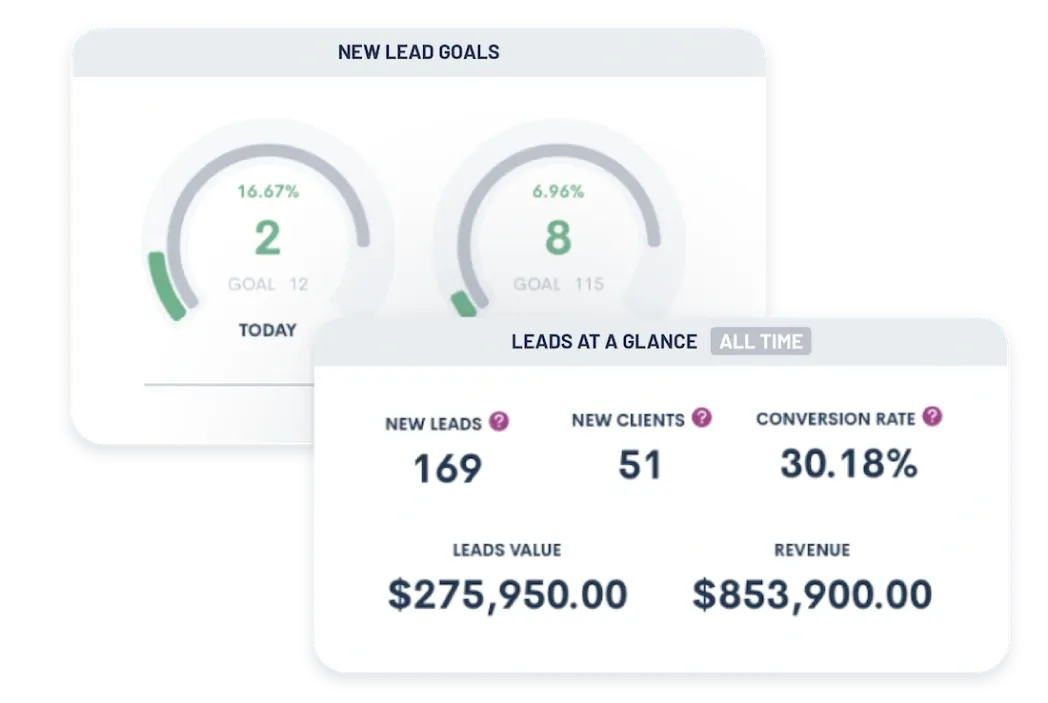
Lawmatics reporting can present conversion, attribution, and workload data recorded in the system. MHSB configures the fields and reports around the firm's stated reporting requirements.
Custom Dashboards
Build personalized dashboards that show the metrics that matter most to your role. Partners see firm-wide performance, practice group leaders track their team, and intake coordinators monitor conversion rates.
- Drag-and-drop dashboard builder
- Role-based dashboard templates
- Real-time data updates
- Widget library for common metrics
- Multi-dashboard support per user
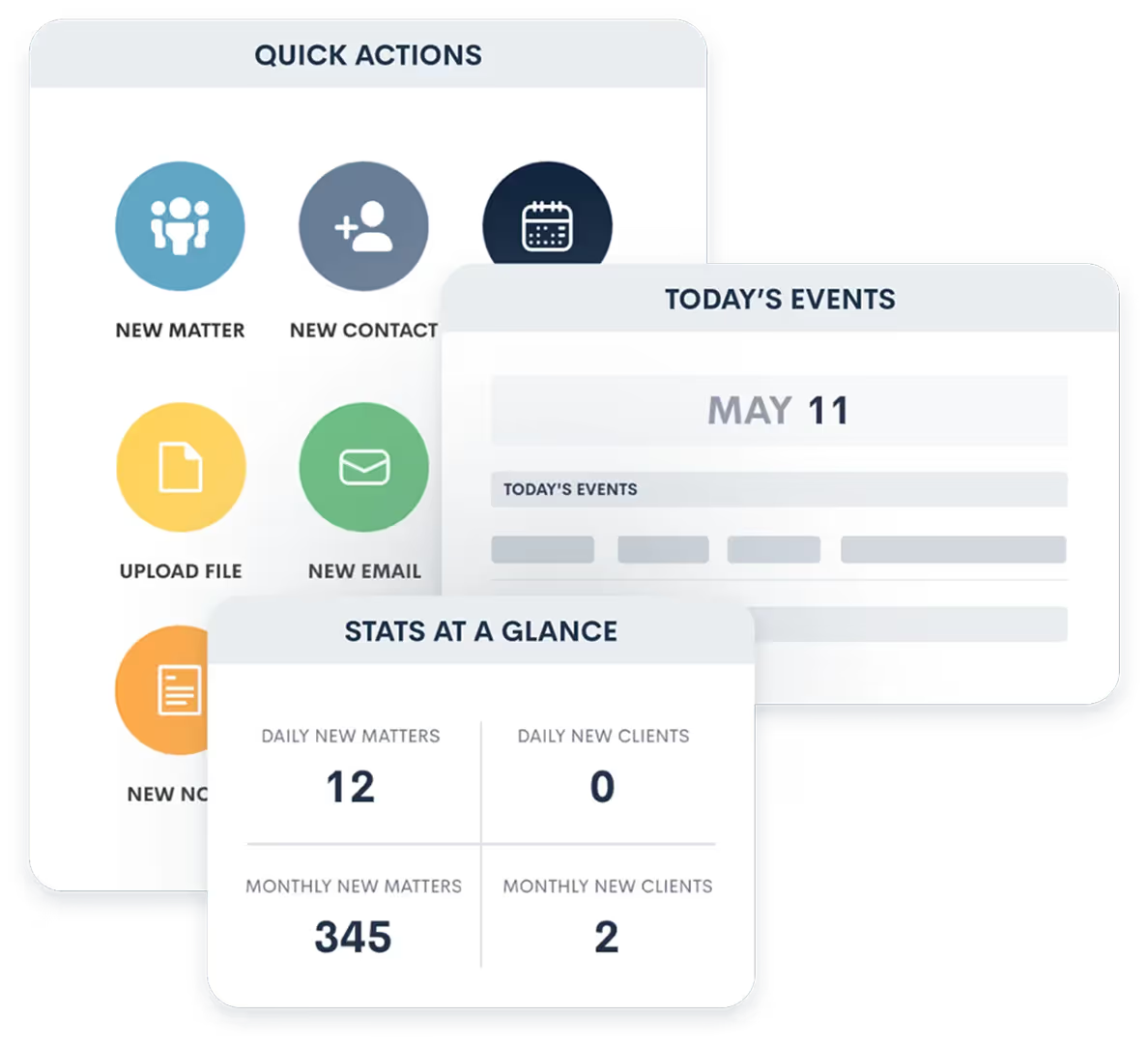
Lead & Marketing Analytics
Lawmatics reporting can show lead volume, conversion rates, and revenue by source where the configured data supports those measures.
- Lead source attribution and trending
- Conversion funnel analysis
- Cost-per-lead and cost-per-client calculations
- Campaign performance tracking
- Lawmatics marketing attribution dashboards
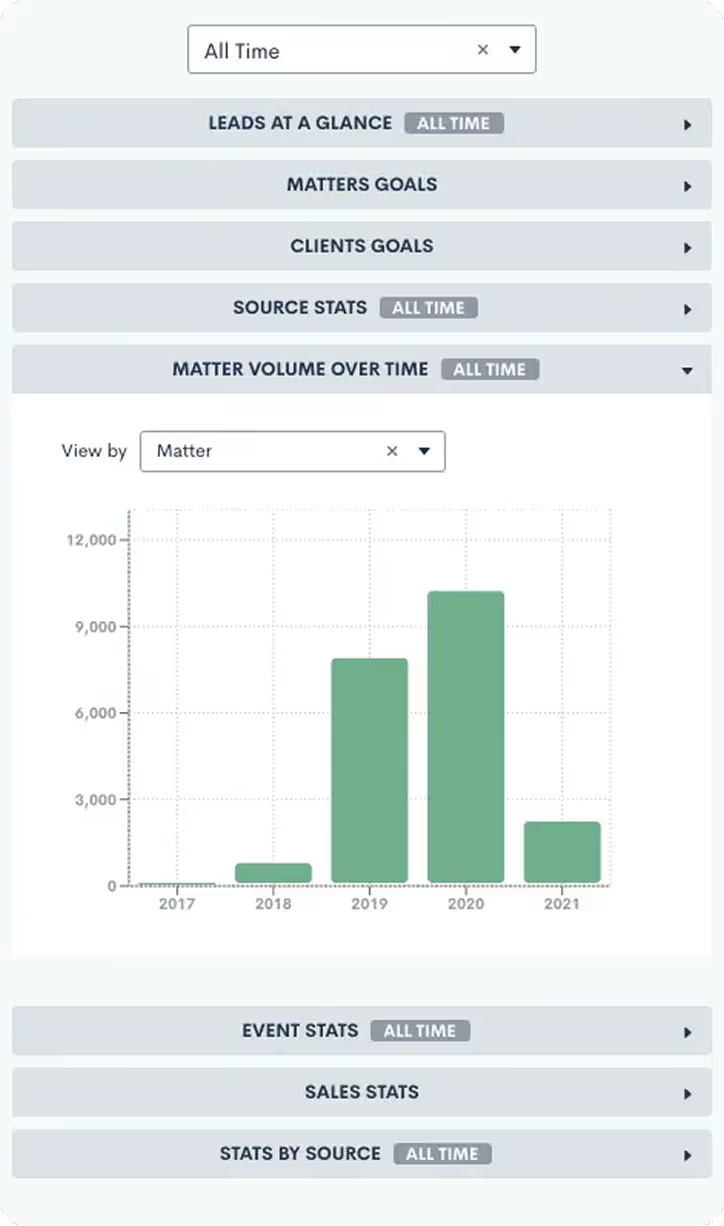
Financial Reporting
Monitor your firm's financial health with real-time revenue, collections, and profitability metrics. Identify trends early and make data-driven decisions.
- Revenue forecasting and projections
- Collections and aging reports
- Profitability by matter type and attorney
- Budget vs. actual comparisons
- Cash flow and trust account monitoring
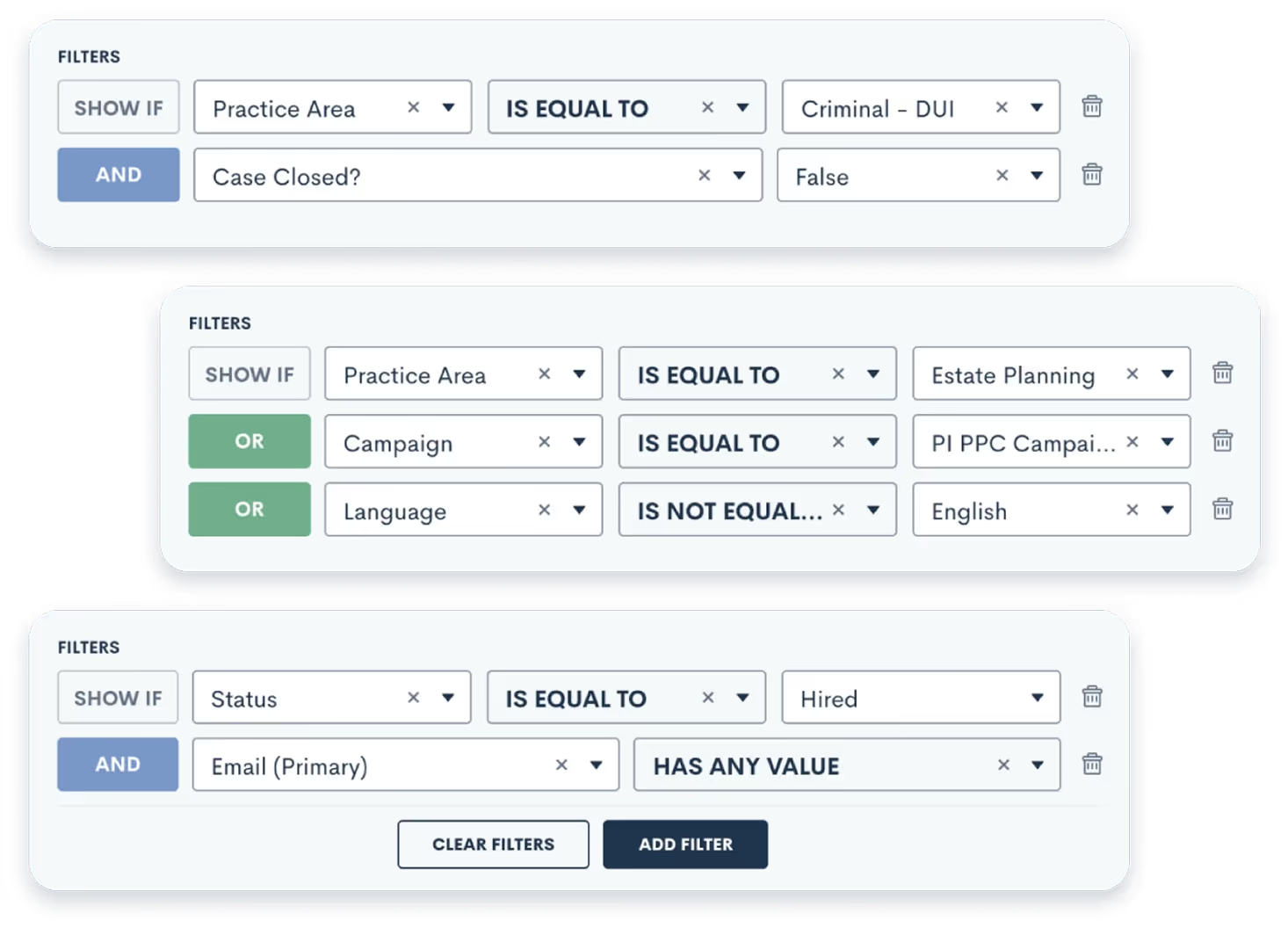
Team Performance Metrics
See how individual attorneys and staff members are performing. Track billable hours, client acquisition, case outcomes, and productivity to recognize top performers and coach those who need support.
- Billable hours and utilization rates
- Client acquisition and retention metrics
- Response time and follow-up compliance
- Task completion and deadline adherence
- Comparative performance rankings
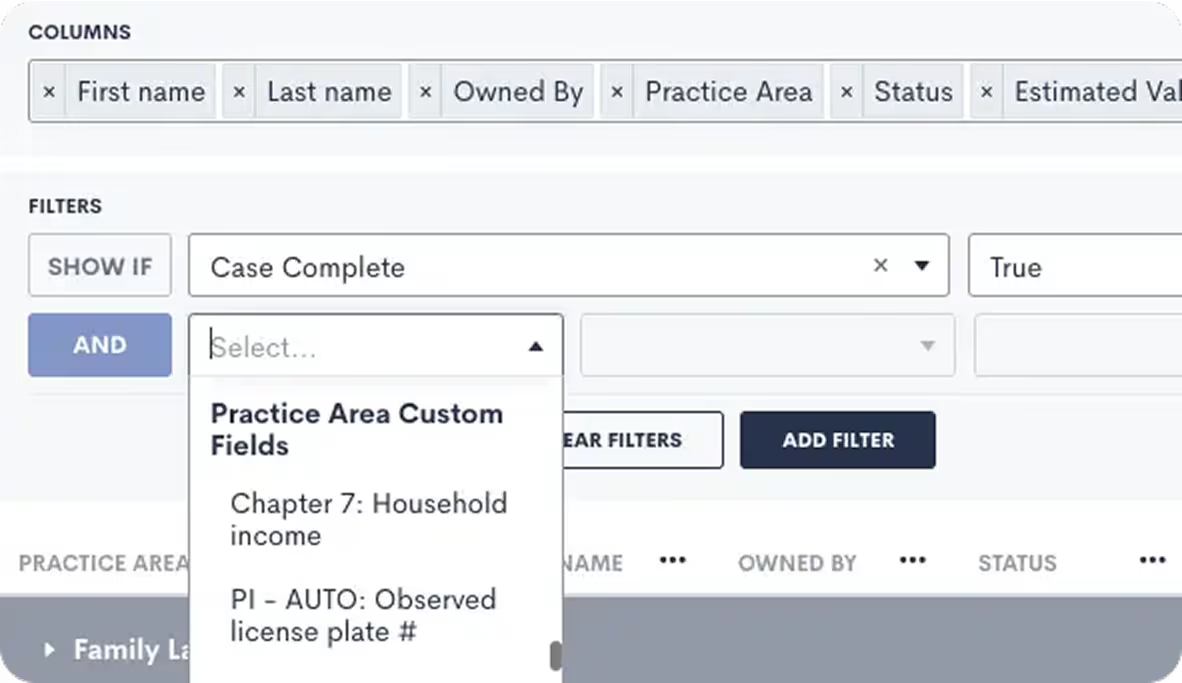
Custom Report Builder
Create exactly the reports you need with our flexible report builder. Filter, group, and visualize data your way, then schedule automatic delivery to stakeholders.
- Visual report builder with SQL-like capabilities
- Filter and group by any data field
- Chart and graph visualization options
- Scheduled report delivery via email
- Export to Excel, PDF, and CSV
Explore Data Reporting Features
Build dashboards, analytics, and KPI tracking that give your firm a clear view of performance.
Custom Reporting
Create reports that match how you run your firm.
Custom Law Firm Dashboard
One dashboard for the numbers that matter.
Legal Analytics
Uncover insights across marketing, intake, and matters.
Law Firm KPI Dashboard
Keep KPIs visible and accountable.
Pre-Built Reports to Get You Started
Lead Source Cost per Client
Cost per client by marketing channel
Conversion Funnel
Where prospects drop off in your pipeline
Attorney Performance
Billable hours and client acquisition by attorney
Revenue Forecast
Projected revenue based on pipeline and historical data
Collections Report
Aging receivables and collection rates
Practice Area Analysis
Profitability and volume by case type
Response Time
How quickly your team responds to new leads
Client Retention
Repeat client rates and referral patterns
Marketing Attribution
Which touchpoints lead to signed clients
Illustrative comparisons in Lawmatics reporting
These examples identify comparisons to assess using the firm's own data.
Insight: Conversion rates by advertising channel
Action: Review of channel costs and signed-client counts before budget allocation
Insight: Conversion rates grouped by recorded response time
Action: Implement auto-responders and lead routing to reduce response time
Insight: Conversion rates for webinar attendees and other prospects
Action: Review of webinar attendance and signed-client data before changing the programme
Insight: Consultation conversion rates by attorney
Action: Review of intake procedures alongside matter mix and consultation volume
Frequently Asked Questions
What metrics can I track?
Lawmatics reports can cover lead-to-client conversion, average case value, cost per client by channel, attorney utilization, collections, and intake response time where the configured data supports those measures.
Can non-technical users create custom reports?
The Lawmatics report builder provides a visual interface. MHSB supplies report templates for the agreed reporting requirements and trains staff to adjust them.
How often does data update?
Dashboards reflect data as it is recorded in the system; refresh behaviour and any delay on complex reports are set by Lawmatics. MHSB documents the refresh behaviour of each configured report during the buildout.
Can I share reports with other people in my firm?
Lawmatics report sharing is configured according to the available user and role permissions. MHSB confirms whether the Lawmatics report configuration supports scheduled delivery during the buildout.
Does this replace my practice management reporting?
Lawmatics reporting covers business development, marketing, and client acquisition. Any transfer of matter data from Clio, MyCase, or another practice management system into Lawmatics depends on the documented integration and field mapping.
Next Step
Scope the reporting implementation with MHSB
Book a strategy consultation and MHSB will scope the reporting and analytics implementation for your firm on Clio, MyCase, Lawmatics, or the platform you already run.